In my earlier post on token-based service accounts in VCF Automation 9, I walked through creating a service account in the GUI, approving it, and then calling the REST API to get a refresh token. It works, but it’s a lot of clicking and copying IDs between steps.
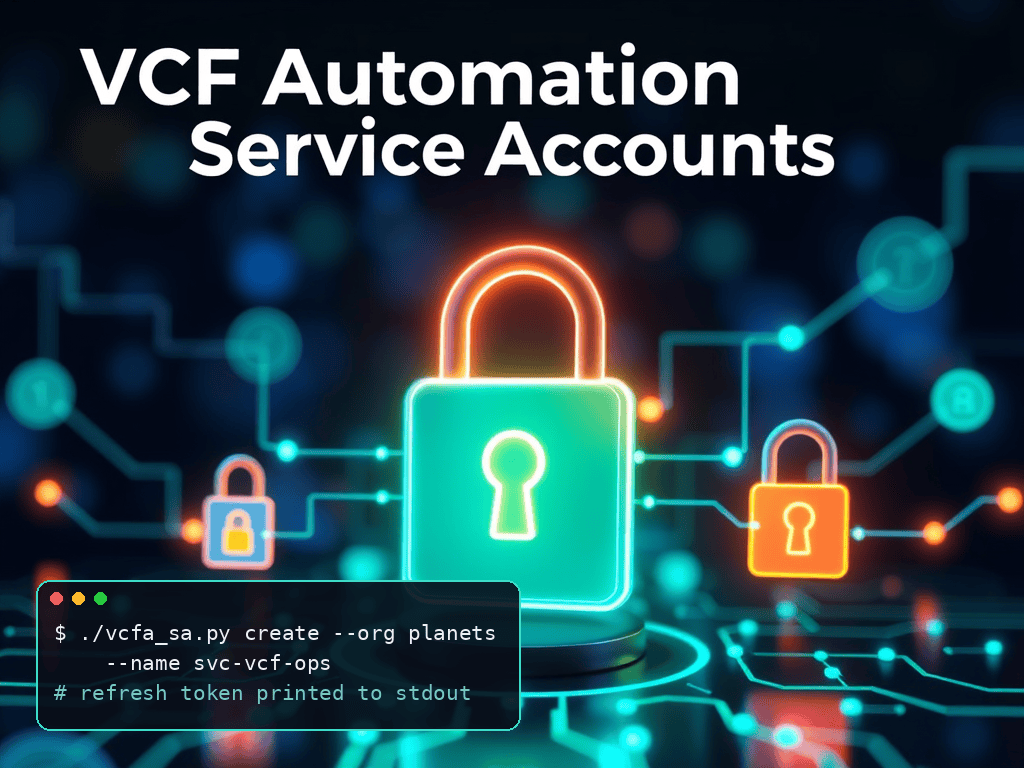
I wrote a small command-line tool, vcfa_sa.py, in the vcfa-service-accounts repository. It creates a service account, approves it, turns off token rotation, and prints the refresh token. The code is on GitHub: github.com/mdegrasse/vcfa-service-accounts.
What it does
- create: registers a service account, approves the device code, and prints the refresh token
- list: shows the service accounts visible to your credential
- delete: removes a service account, with a confirmation prompt
- whoami: shows the user, org, and roles behind your admin credential, which is useful for checking permissions first
It works for the provider org by default, or for a tenant org with --org NAME.
Setup
You need Python 3.10 or later. The script uses only the standard library, so there’s nothing to install.
Pass the VCF Automation host with --host. You don’t need a .env file for this. Use the hostname only, without https://.
If you’d rather not type the host and credentials every time, you can still put them in a .env file. Copy the template and set VCFA_HOST and either an admin refresh token (or a bearer token starting with eyJ) in VCFA_ADMIN_REFRESH_TOKEN, or an admin login in VCFA_ADMIN_USER. If you use a login, the script asks for the password if you don’t set VCFA_PASSWORD.
cp .env.example .envWhich admin user to use
The --admin-user option is the admin login the script uses to create and approve the service account. For a tenant org, that’s typically the org’s first local user account, the one created when the org was set up. Only one local user account can exist per org, so there’s no choice to make: use that account’s login, such as admin@planets.
Example commands

Create a service account in a tenant org (lab only, since --insecure skips certificate checks):
./vcfa_sa.py create --host vcfa.example.com --org planets --insecure --admin-user admin@planets --name svc-vcf-opsCreate a service account in the provider org with the default role:
./vcfa_sa.py create --host vcfa.example.com --admin-user admin@System --name my-svcCreate one with a specific role:
./vcfa_sa.py create --host vcfa.example.com --admin-user admin@System --name my-svc --scope "Organization Master Owner"Use your private CA instead of --insecure, which is the safer option outside a lab:
./vcfa_sa.py create --host vcfa.example.com --org planets --ca-file /path/to/vcfa-ca.pem --admin-user admin@planets --name svc-vcf-opsCheck what the admin account can do before creating anything:
./vcfa_sa.py whoami --host vcfa.example.com --org planets --admin-user admin@planetsList service accounts in the tenant org:
./vcfa_sa.py list --host vcfa.example.com --org planets --admin-user admin@planets --ca-file /path/to/vcfa-ca.pemDelete a service account (asks for confirmation; add --yes to skip the prompt):
./vcfa_sa.py delete --host vcfa.example.com --org planets --admin-user admin@planets --name svc-vcf-opsBy default, create gives the account the System Administrator role in the provider org, or Organization Administrator in a tenant org. Use --scope to choose a different role.
Security notes
- Nothing is saved to disk. The refresh token is printed to stdout only. Be careful with shell history, logs, and screen sharing.
- Token rotation is turned off so the refresh token stays valid for your integration. The script does this with a PUT that sets
requireRotationto false, the same change I described in the earlier post. - Use
--ca-filewith your private CA.--insecureturns off certificate checks and should only be used in a lab. - Passwords on the command line. Anything you type on the command line can end up in your shell history, so prefer the password prompt or a
.envfile over typing credentials into a command. - Permissions matter. The admin user needs the Service Account View and Manage rights.
createchecks View access before it registers anything.
Limitations
A service account’s own session can only see and manage itself and the accounts it created, so create, list, and delete need a user credential rather than a service account token.
Get the code
The repository is public, with a README covering the full set of options: github.com/mdegrasse/vcfa-service-accounts. If you try it, I’d like to hear what you run into.






Leave a Reply